
How to Use Google Advanced Search for Genealogy - Part I
- Getting the Most Out of Google Searches for Your Ancestors -
| Tweet |
|
This article discusses how genealogists can get the most out of Google’s advanced search capabilities. As many people quickly discover, simply typing in the name of your ancestor in Google is not going to get you what you want. You need to be a bit more sophisticated in your Google search queries if you want to have success in finding the correct genealogy record. In this article, we will show you simple and proven techniques that genealogists can use with Google to help you find your ancestors.
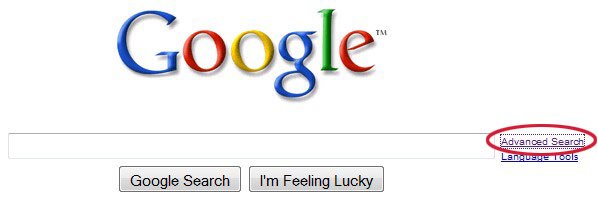
The first step in a genealogy search is to make sure you use the Google Advanced Search page, which can be accessed by clicking on the link on the main Google search page, as shown below.
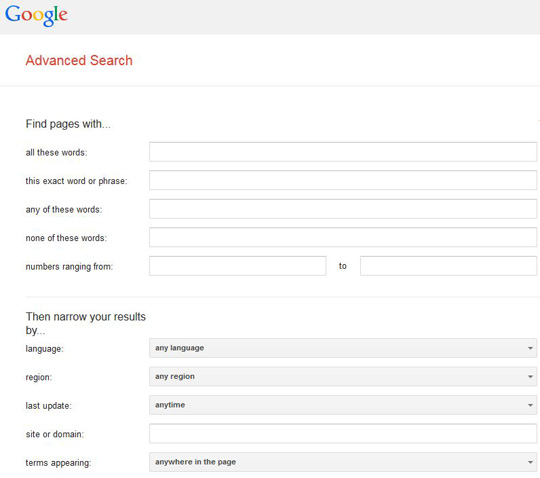
The Google Advanced Search page looks as follows.